
- Case Study — Inventory Automation
Real-Time Access & Inventory Tracking
- Able South Carolina
- South Carolina (Statewide)
- Workflow Automation & QR Tracking
The Challenge
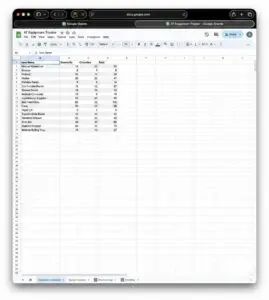
For Able South Carolina, managing a high volume of donated equipment was becoming a serious challenge. Relying on manual Excel sheets created a “Ghost Inventory” problem: items were marked available but had already been distributed, or multiple versions of the tracking sheet created conflicting data.
This led to operational friction, frustrated staff, and worst of all, the risk of promising a device to a client only to find the shelf empty.
The Solution
NonprofitNext built a “No-Code” inventory system using tools the organization already used every day.
1
The Intake
When a donation arrives, staff fill out a simple Google Form. The system instantly logs the data to a Google Sheet, generates a unique Asset ID, and emails a printable QR code to tag the item.
2
The Donor Touchpoint
Simultaneously, the system pulls together information needed to generate and send a personalized tax receipt directly to the donor while routing a copy to the finance team for their records. This eliminates administrative follow-up entirely.
3
The Check-Out
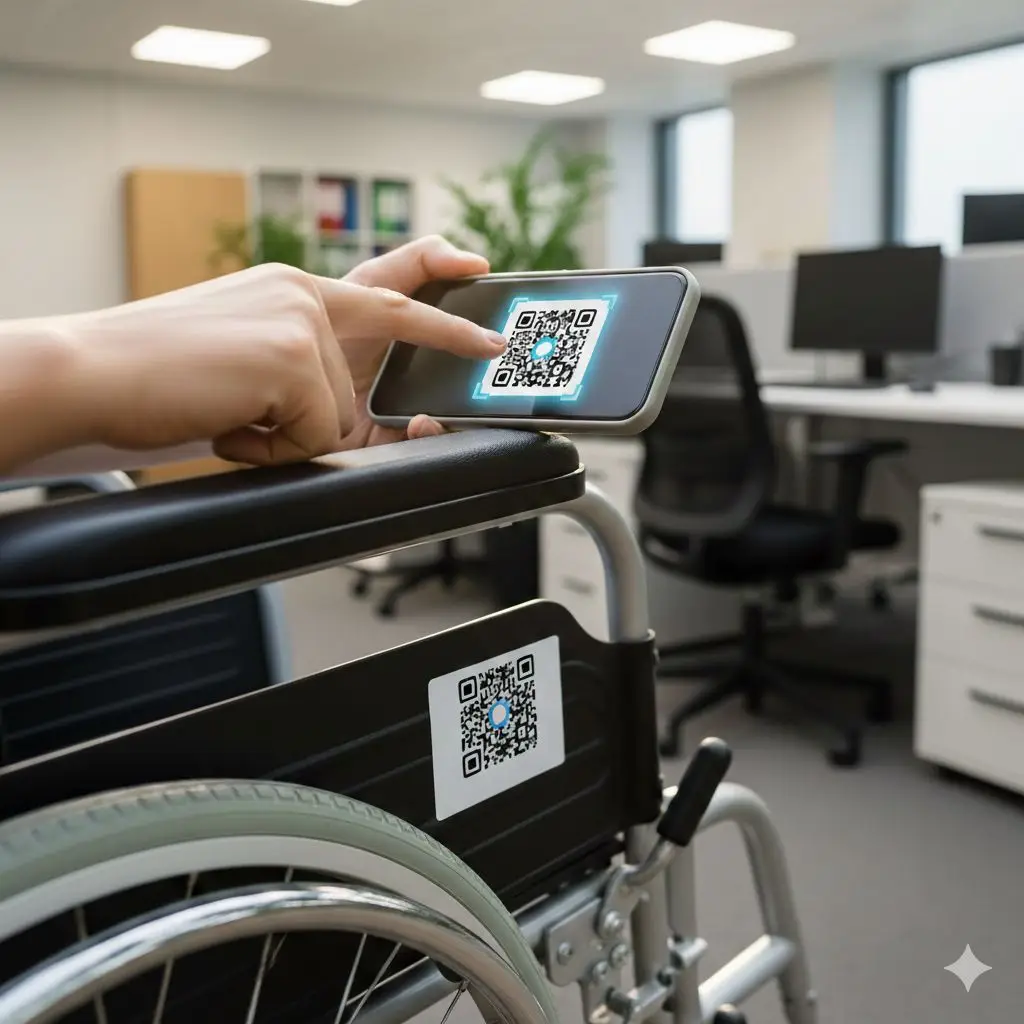
When a client needs a device, a team member uses their phone to scan the QR code on the item. The system immediately marks it as “distributed” on the master tracking sheet, removing it from active inventory in real-time.
The Result
- 100% Inventory Accuracy: We moved from "guessing" to knowing, eliminating the "phantom equipment" problem completely.
- Admin Efficiency: By automating the tax receipt process, we saved the finance and development teams significant administrative work.
- Sustainable ROI: Because the solution was built on standard Google tools and Zapier, there are no expensive proprietary software subscriptions to maintain.
Organization
Able South Carolina
South Carolina (Statewide)
Statewide organization providing assistive technology and disability services across South Carolina.
Key Outcomes
- 100% inventory accuracy
- Zero data entry
- Auto donor tax receipts
- No new software costs
Tools Used
Ready to Increase Your Impact?
The least glamorous projects often pay off fastest. Tell us about the manual process that eats your team’s week and we will talk through whether a simple system could run it instead.