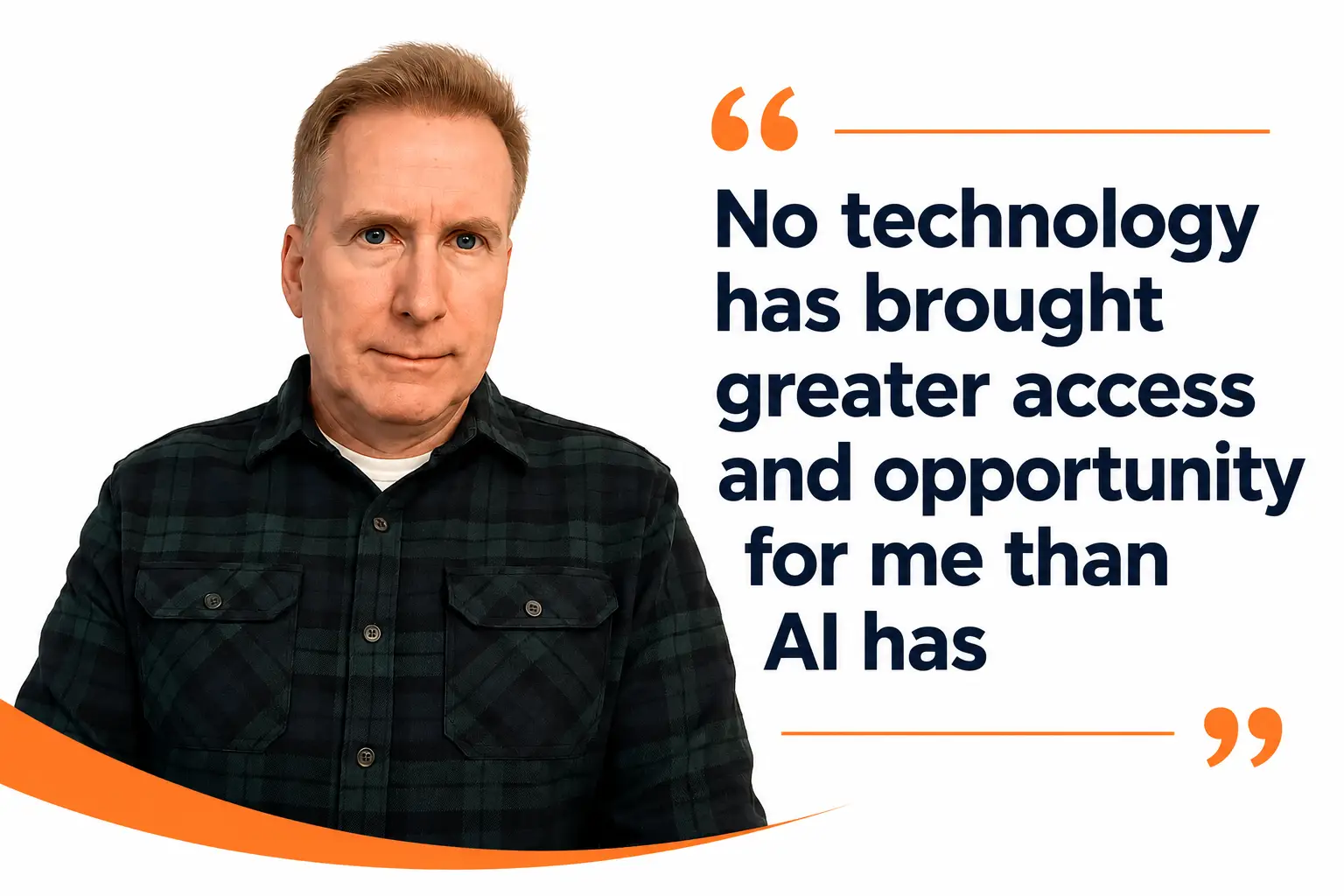
While I have worked with nonprofits for over 25 years, I have had a disability for my entire life. No technology has opened as many doors for me as AI has. That is the part of AI I want you to think about as you read this post, because it is more important than the productivity pitch you usually hear. For me, AI is also an access story.
The numbers alone make this everyone’s topic. The CDC’s most recent count found that roughly one in four American adults, over 70 million people, live with a disability. July is Disability Pride Month, and July 26 marks the anniversary of the Americans with Disabilities Act. A quarter of the country includes your staff, your volunteers, your donors, and the people your organization serves.
In this post: the opportunities and greater access AI has opened for me and for millions of disabled people, why an accessibility gain for one person so often becomes a gain for everyone, why this matters when your nonprofit makes a choice about what technology to use, a simple way to start, and answers to the questions I hear most.
What AI Has Provided, for Me and for Millions
At work, the change is clear. Reading and editing lengthy reports used to take hours; now AI reads the report and hands me a summary. I choose where to focus instead of grinding through every page. Starting from a blank screen used to be one of the hardest parts of writing; now I give the AI a detailed outline covering what I want, shaping a rough first draft instead of staring at nothing. A chart or a photo a colleague sends used to be a guess; now AI describes it, and I am not waiting on someone to explain an image I could have identified myself. None of these tools won me over with features. Each one removed a barrier and got out of the way.
Widen the lens beyond writing tools like ChatGPT and Claude and the picture gets much bigger. For example, today’s smart glasses are packed with features that help someone identify their surroundings, expand options for reading, and improve conversational audio, among many other features. Microsoft’s Seeing AI uses a phone camera to read a menu aloud, identify a product by its barcode, and describe the people and objects in a room to someone who is blind or has low vision. Real-time captioning puts a live conversation on screen for people who are deaf or hard of hearing. Voice control lets a person run an entire phone or computer without a mouse or a keyboard. Wayfinding tools like GoodMaps help someone find a specific gate or exam room inside a building, where GPS is useless.
For people who use these tools, these features mean doing things independently instead of asking for help or going without information and opportunities others may have. Reading your own mail, filling out your own form, finding your own way through a building. That independence is what access really means.
Why One Person’s Access Becomes Everyone’s
Here is what is important to understand, and why this belongs on a nonprofit’s radar. Urban planners call it the curb-cut effect. Curb cuts were first designed for people who use a wheelchair. Today they are also used by people pushing strollers, rolling luggage, and delivery carts. Captions were built for deaf viewers, and now half the room reads them with the sound off.
AI features are following that same path. Speech recognition, live transcription, and image description are turning into things everyone uses. The plain-language rewrite that helps a person with a cognitive disability also helps the exhausted parent reading your eligibility letter at eleven at night. The captioned video you made for a deaf supporter also reaches the volunteer scrolling with the sound muted or in a noisy environment.
What This Means When Your Nonprofit Picks a Tool
When your nonprofit adopts an AI tool, an assistant, a chatbot, an intake form, a dashboard, assume someone who uses it has a disability. Nearly one in four adults do, and no one is required to tell you.
An inaccessible tool quietly undoes the good you bought it for. An AI assistant that won’t work with a screen reader shuts out the case manager who relies on one. A chatbot that will not work from the keyboard turns away the client it was built to serve. Checking takes less expertise than you would think. Ask the vendor one question: how does your product work for someone using a screen reader, a keyboard with no mouse, or another type of assistive technology? A vendor who takes accessibility seriously will have an answer ready, and a vendor with nothing to say has answered the question. Try the tool with the keyboard alone yourself. Turn on the screen reader already built into your phone or computer and see whether the tool still works. Best of all, have a skilled professional evaluate the tool to confirm it will work with assistive technology.
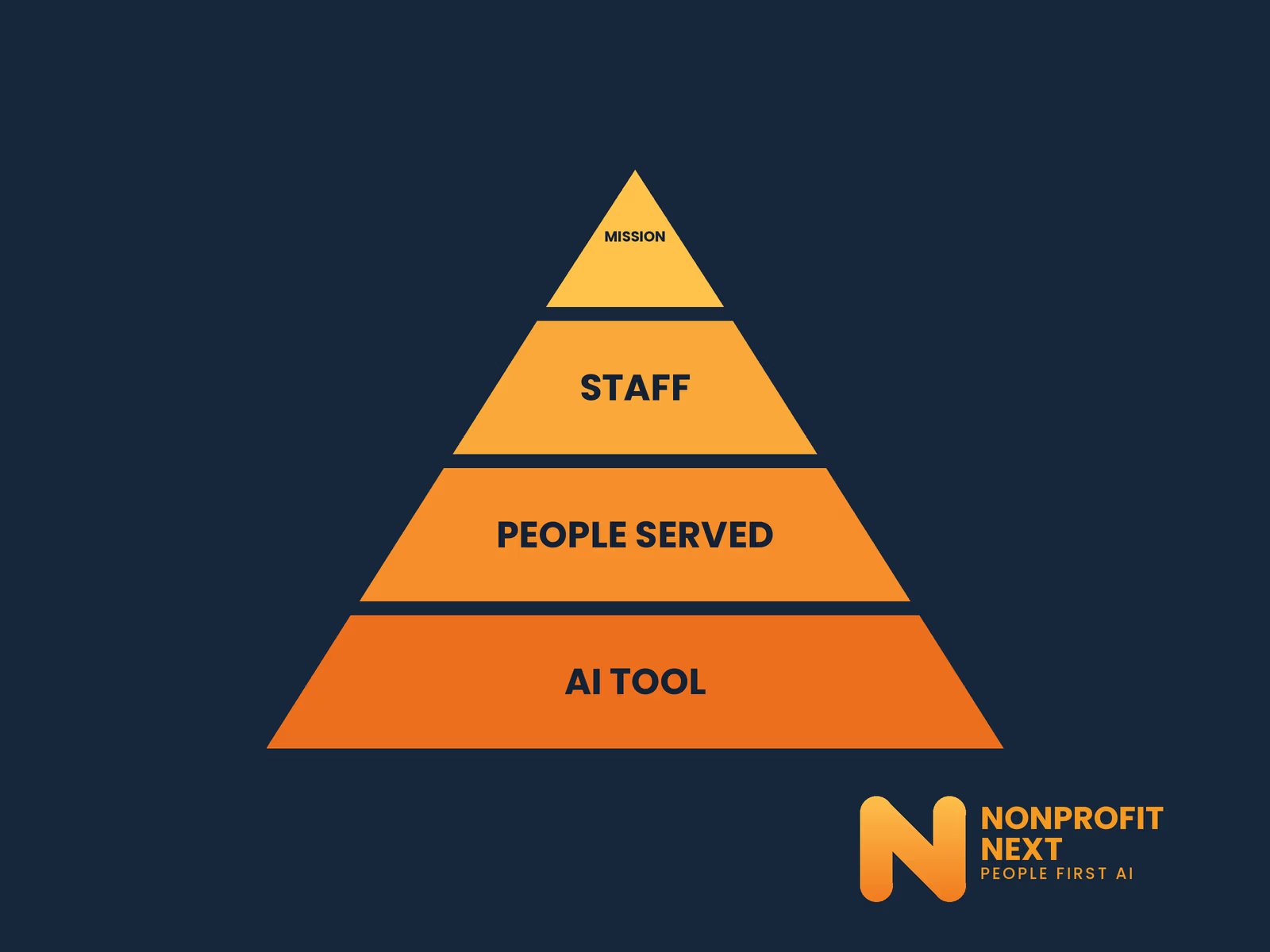
This belongs in the same conversation as data privacy, before you adopt a tool, not after. It is the heart of our People First approach to AI, where a tool earns its place by serving the people doing the work, an order I laid out in why the tool comes last.
AI can also push greater access into what you produce, though it is essential to have a human in the loop who reviews everything. It will draft a plain-language version of a dense and complex letter, turn a printed flyer into something a screen reader can handle, and write the image descriptions your website should already have. I know of a staff person from a housing program who used a tool to rewrite a two-page eligibility letter in plain language, had a caseworker check it, and watched the confused phone calls drop. Staff got time back, and applicants got a letter they could actually read.
A Simple Way to Start
You do not need a complicated strategy for this. Pick one barrier AI could remove, for you or someone on your team, and try one tool against it with a person reviewing every result. Then add one line to your next vendor conversation: show me your accessibility statement. Neither step needs a budget, and both tell you fast whether a tool deserves a place in your work.
Common Questions
Is AI really that useful for people with disabilities?
Some of the AI tools I have used have been the most helpful technologies I have adopted. While AI brings with it many other considerations that we continue to sort out, greater accessibility and opportunity are clear benefits.
How do we know if an AI tool is accessible?
Ask the vendor how it works for someone using a screen reader, a keyboard with no mouse, or other types of assistive technology. Most of all, have the people who use assistive technology every day try it before rollout.
Can AI make our nonprofit’s materials more accessible?
Yes: plain-language rewrites, alternative formats, and image descriptions. A person still must check the results for accuracy, tone, and to make sure it is truly accessible. AI gives you a head start, not a finished answer.
Does the ADA require our AI tools to be accessible?
Legal requirements matter, and they vary, but this is the wrong place to start. An accessible tool works for more of your staff, more of your volunteers, and more of the people you serve; an inaccessible one shuts some of them out. The real question is why an organization would not want to be as accessible as it can, and I have never heard a good answer.
Curious what AI could open up for your team, or whether a tool you are weighing is accessible? Let’s talk. Schedule a call with me at calendly.com/larry-nonprofitnext/30min.
Larry is the co-founder and Principal Innovation Strategist at NonprofitNext. Learn more at nonprofitnext.ai.